How to Track Volunteer Hours for Students | Free Guide
How to Track Volunteer Hours for Students | Free Guide
Keeping track of volunteer hours shouldn’t feel like another homework assignment. Whether you need hours for high school graduation, college applications, or scholarship requirements, the key is having a simple system you’ll actually use.
This guide shows you exactly how to track volunteer hours as a student, what information to record, and which tools make the process painless. No more scrambling senior year trying to remember where you volunteered sophomore year.
Why Tracking Volunteer Hours Actually Matters
Most students underestimate their volunteer work because they don’t track as they go. Here’s what proper tracking gives you:
Stronger college applications. Admissions officers see documented, consistent service rather than vague claims.
Scholarship eligibility. Many scholarships require verified service hours with supervisor signatures.
High school graduation. Schools accept your hours without questioning them when you have proper documentation.
Backup records. You have proof if an organization loses your paperwork or their records system crashes.
What Information You Need to Track
Every volunteer hour log should include these five elements:
- Fecha del servicio – El día exacto que fuiste voluntario, no un rango
- Compromiso de tiempo – Hora de inicio, hora final o total de horas (sé honesto, no redondees hacia arriba)
- Descripción de actividad – Lo que realmente hiciste en 1-2 oraciones
Pro tip: Check your school or program requirements before you start. Some need specific formats or additional information like dress code compliance or skills learned.
Three Ways to Track Your Volunteer Hours
Method 1: Paper Log Sheets
Best for: Students who prefer handwriting and don’t mind physical organization
Keep a dedicated volunteer log notebook or use printed templates. Fill it out immediately after each session while details are fresh. Many schools provide official forms, but a simple template works just as well.
Pros: No technology needed, works anywhere, some supervisors prefer signing paper
Cons: Easy to lose, can’t auto-calculate totals, hard to share or back up, manual data entry for applications
Method 2: Spreadsheet Tracking
Best for: Students comfortable with basic Excel or Google Sheets
Create a Google Sheet or Excel file with columns for date, organization, hours, and description. Formulas automatically sum your total hours and you can sort by date or organization.
Pros: Free with Google account, automatic calculations, easy to sort and filter, can share with school counselor
Cons: Requires laptop or computer access, no mobile-friendly logging, no built-in verification, you still need paper signatures
Method 3: Mobile Apps (Recommended)
Best for: Students who always have their phone and want the fastest option
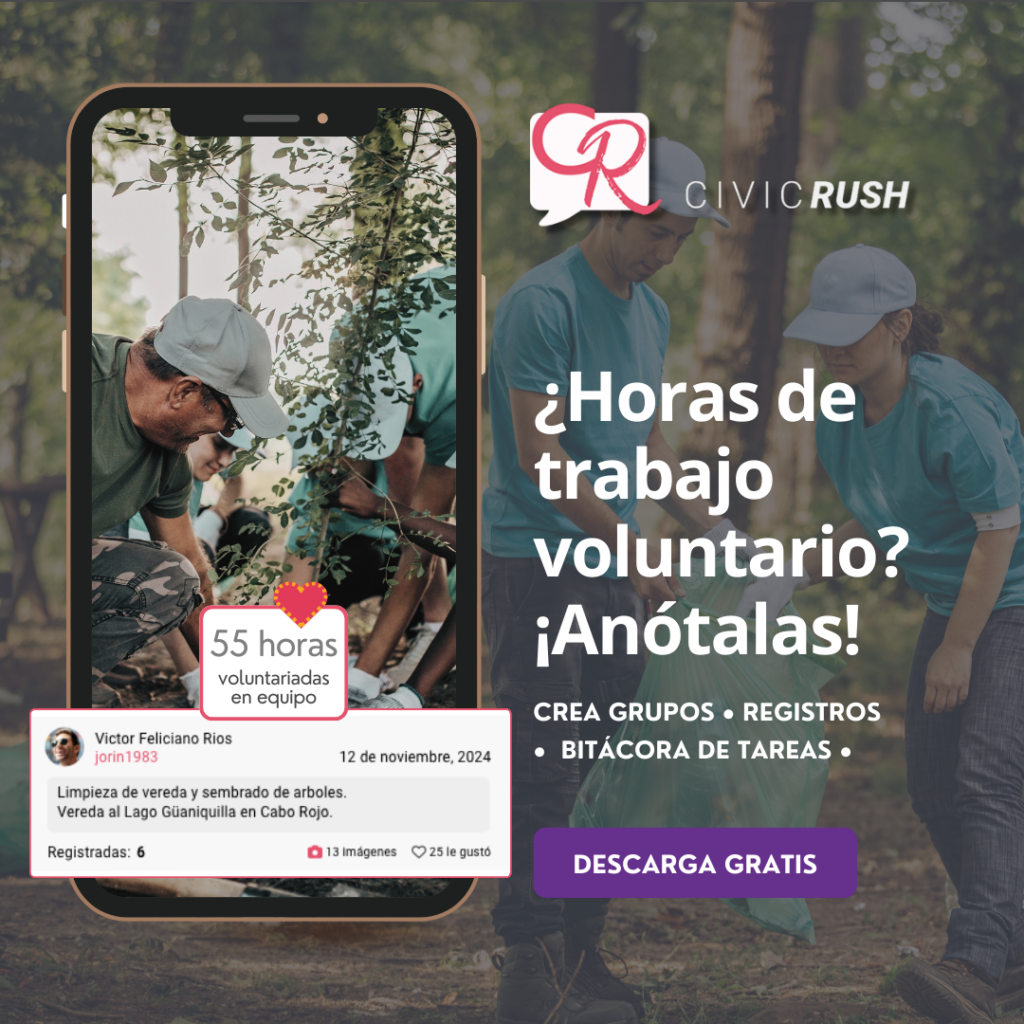
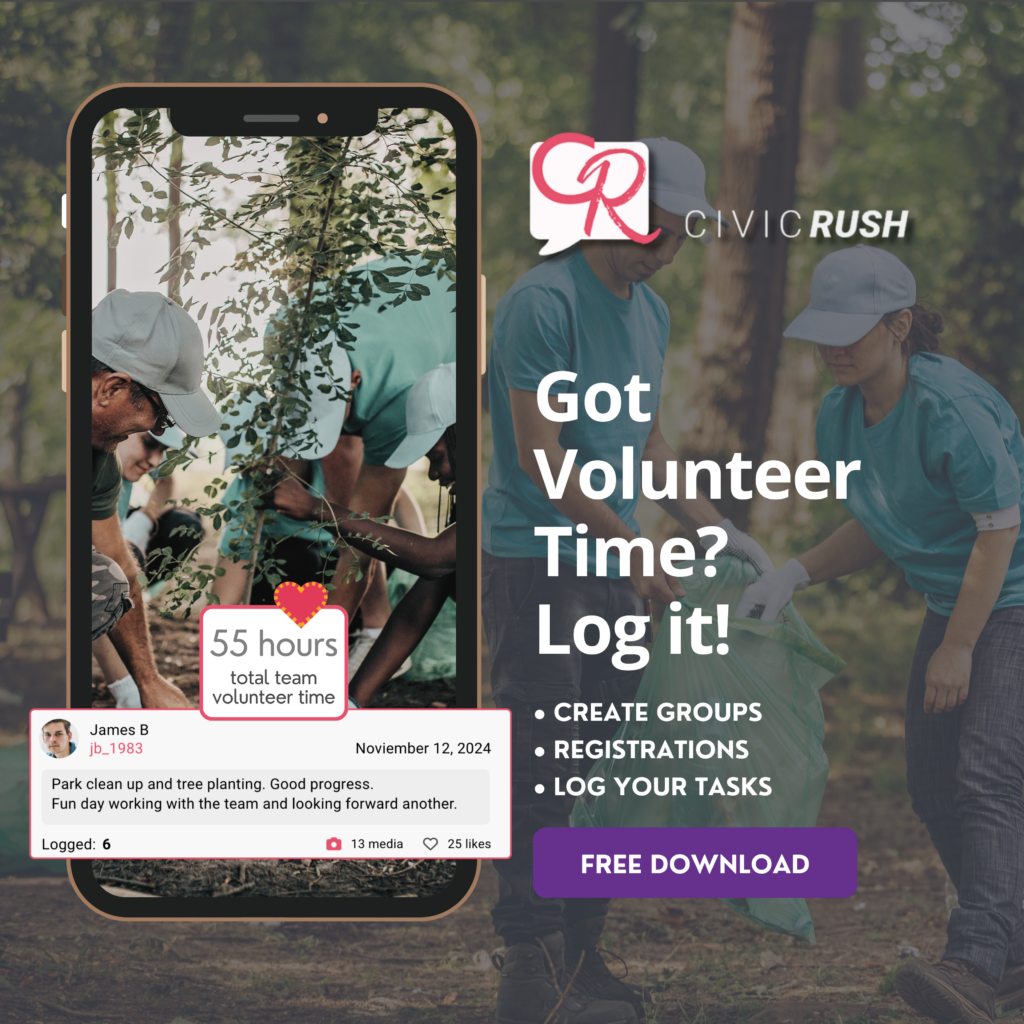
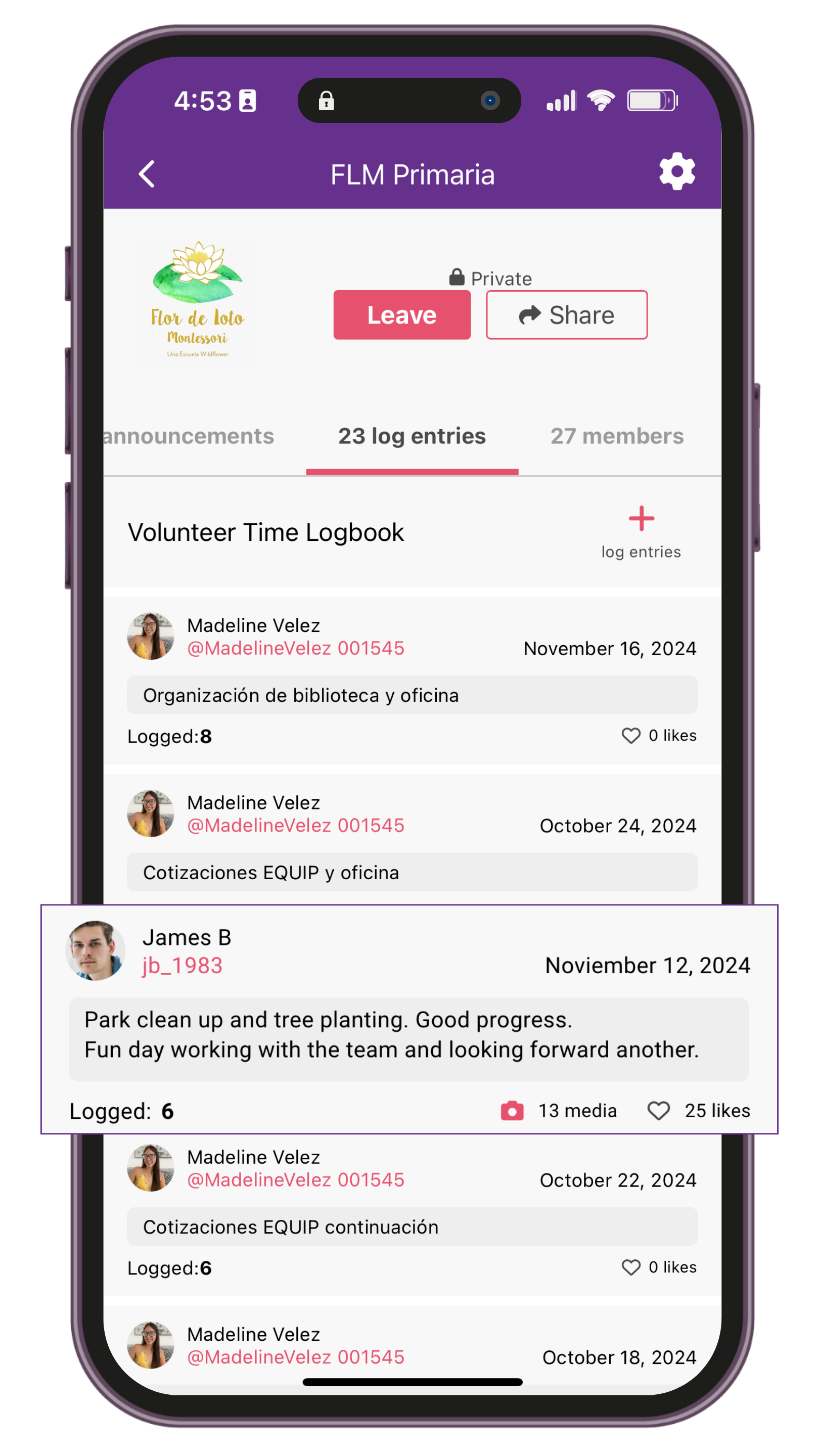
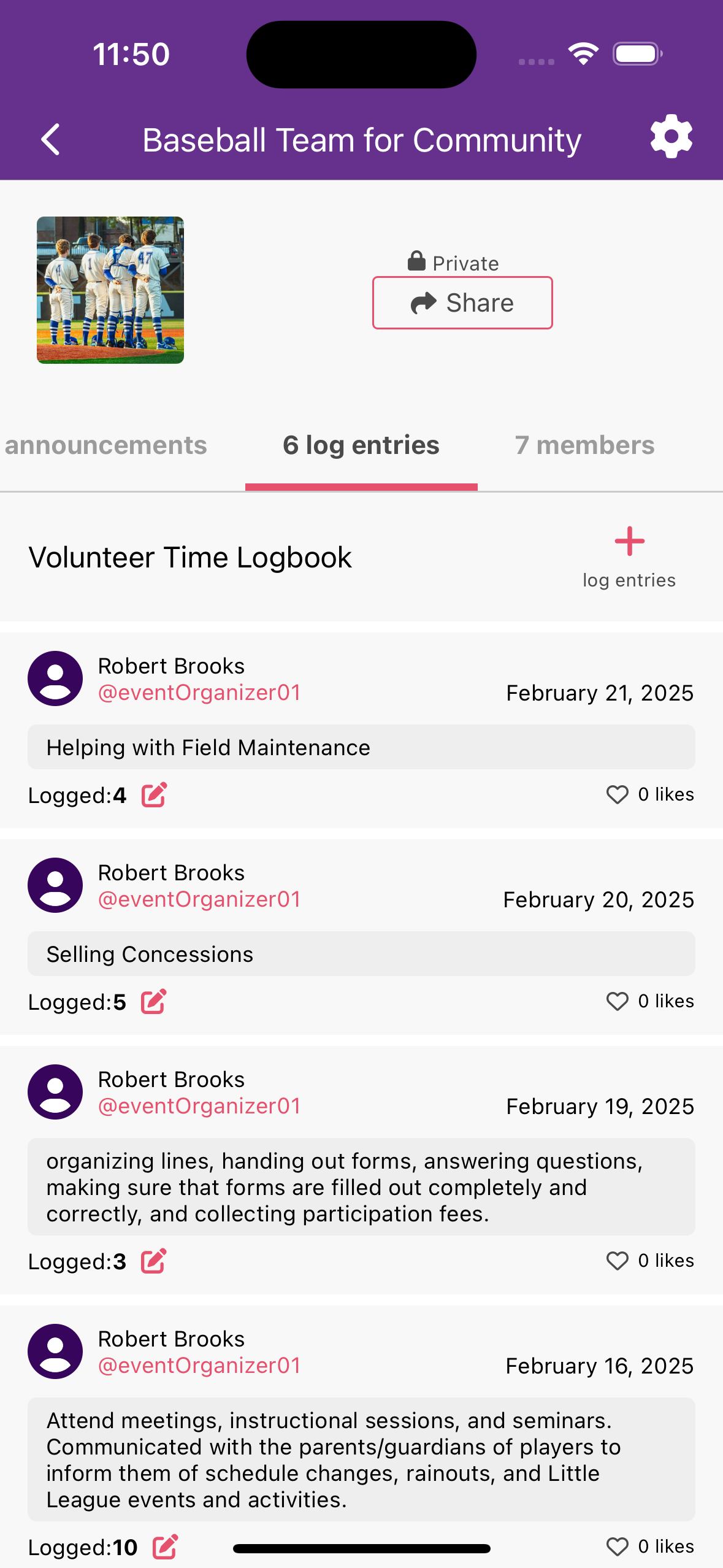
Apps like CivicRush let you log hours from your phone in under 30 seconds. You can add photos of your work, get supervisor approval digitally through QR code check-ins, and generate reports whenever you need them.
CivicRush is completely free for students and includes:
- Quick hour logging with date, time, and description
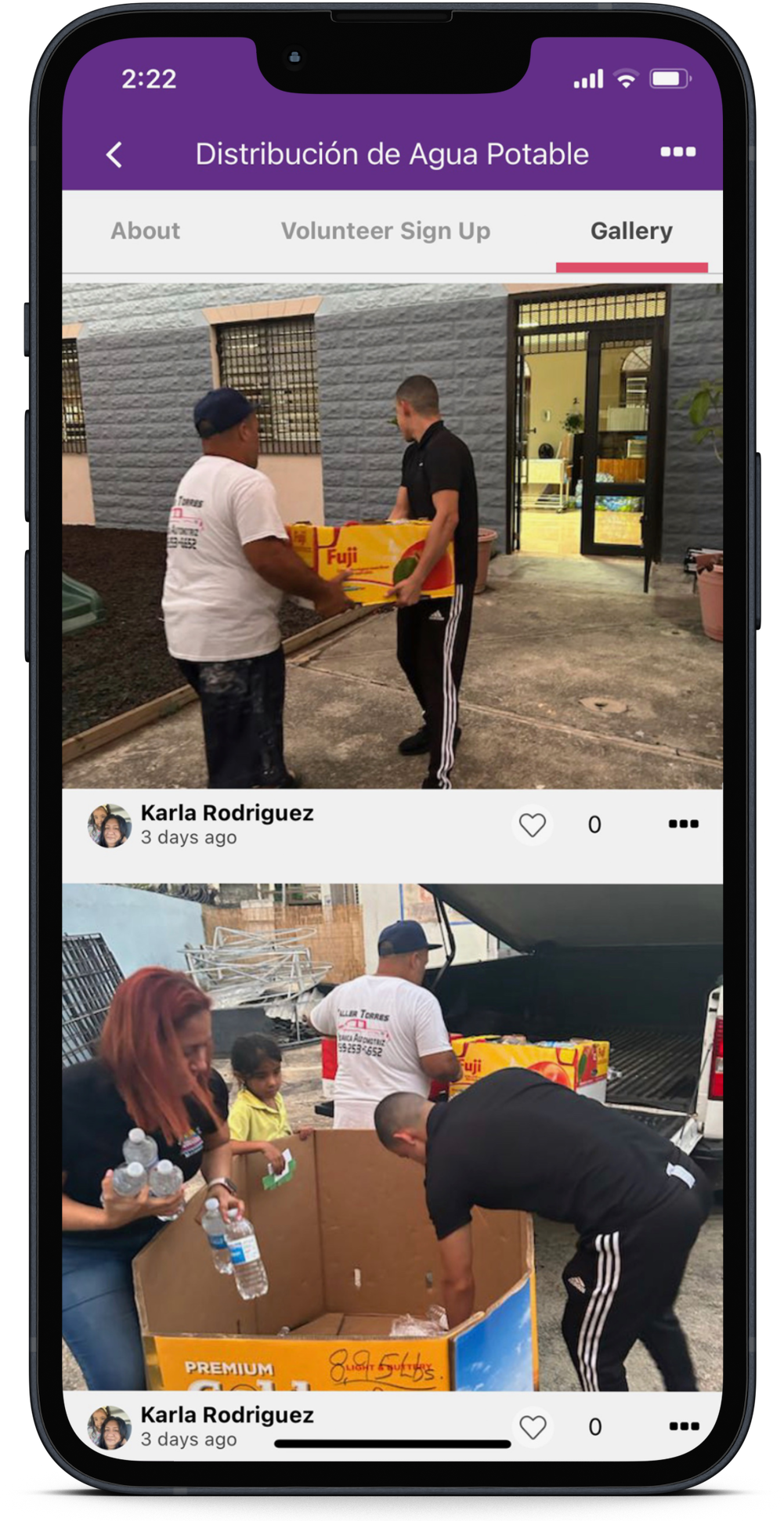
- Photo uploads to document your work
- Digital check-in/check-out for automatic tracking
- Volunteer opportunity discovery in your area
- Automatic reports formatted for college applications
- Cloud backup so you never lose records
Pros: Log from anywhere, no paper to lose, automatic calculations, digital verification, can add photos, generates formatted reports
Cons: Requires smartphone, need internet connection to sync
5 Common Tracking Mistakes Students Make
Your Action Plan: Start Tracking Today
Step 1
Choose your tracking method based on your habits. If you’re on your phone constantly, use an app. If you prefer writing things down, use a paper log. If you like spreadsheets, go digital. Use CivicRush as your Volunteer Journal to archive your participation – download.
Step 2
Check your school or organization’s specific requirements. Find out if they need signatures for every session or just a final verification. Ask if there’s a minimum hours per session or a maximum you can count from one organization. Help us grow CivicRush to support your needs. Send us your feedback.
Step 3
Set a reminder in your phone. Schedule it for right after your typical volunteer times so you log hours while they’re fresh. Taking photos and videos during your wolunteer work and upload to record your experience, all within CivicRush – download.
Step 4
Create your backup system. If using paper, take photos. If using a spreadsheet, enable auto-save to Google Drive. Apps like CivicRush automatically back up to the cloud. Apps like CivicRush saves your entry and keeps it in record – download.
Step 5
Log your first entry right now. Don’t wait. If you volunteered recently, add that entry today as practice. Download CivicRush.
Why CivicRush Works for Students
We built CivicRush specifically for students who need simple volunteer tracking without the hassle. Here’s why if you are a students you should start using it:
It takes 30 seconds to log hours. Pull out your phone, tap the volunteer opportunity, add your time, write one sentence about what you did. Done.
You never lose records. Everything saves to the cloud automatically. Your phone breaks? Your data doesn’t.
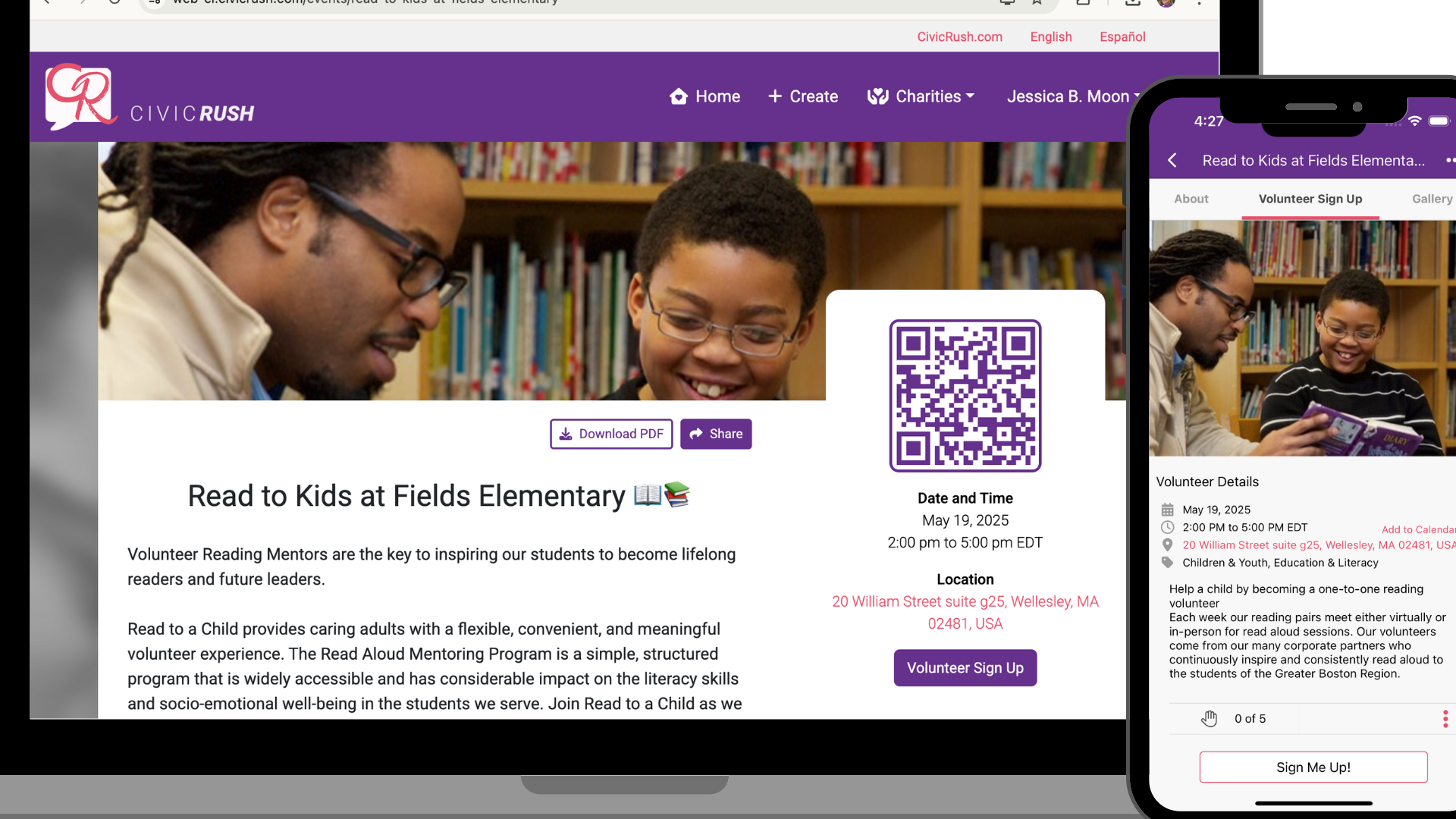
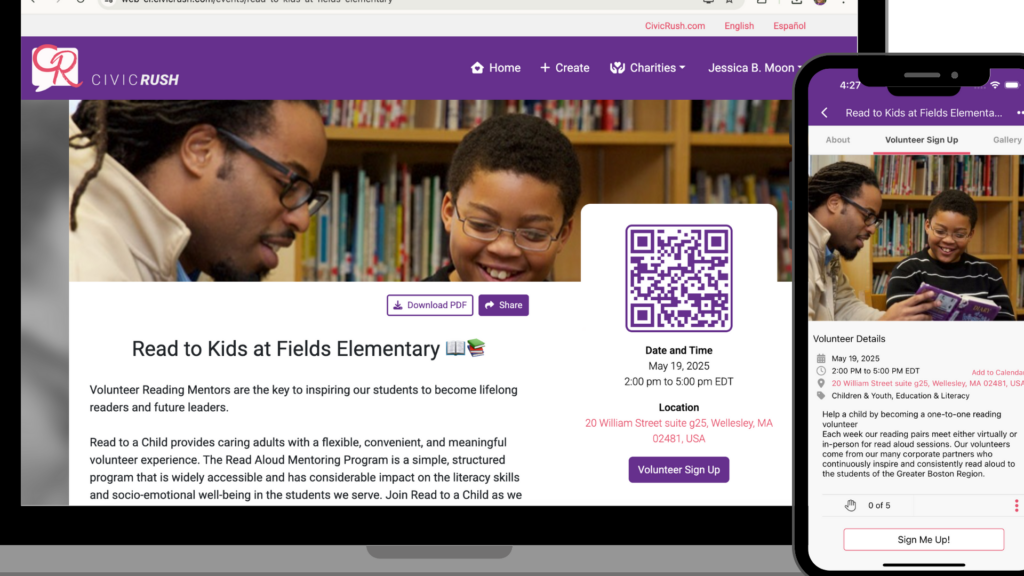
Digital verification is built in. Many organizations use CivicRush’s QR code system. You scan in when you arrive, scan out when you leave, and your hours are logged with supervisor verification automatically.
Reports generate instantly. Need to submit hours to your school? Hit export and get a formatted PDF with all your verified hours, descriptions, and supervisor information.
You can find new opportunities. Browse volunteer events near you, filter by cause or time commitment, and sign up directly through the app.
📱 Ready to Start? The best tracking system is the one you'll actually use. Pick something simple and start today. Your future self will thank you when college application season arrives. 🚀
Download CivicRush for free on iOS or Android. Create your profile in under 2 minutes and start building your volunteer portfolio today.